How to Use Tabata Songs
No stopwatch. No counting seconds. Just press play and follow the music.
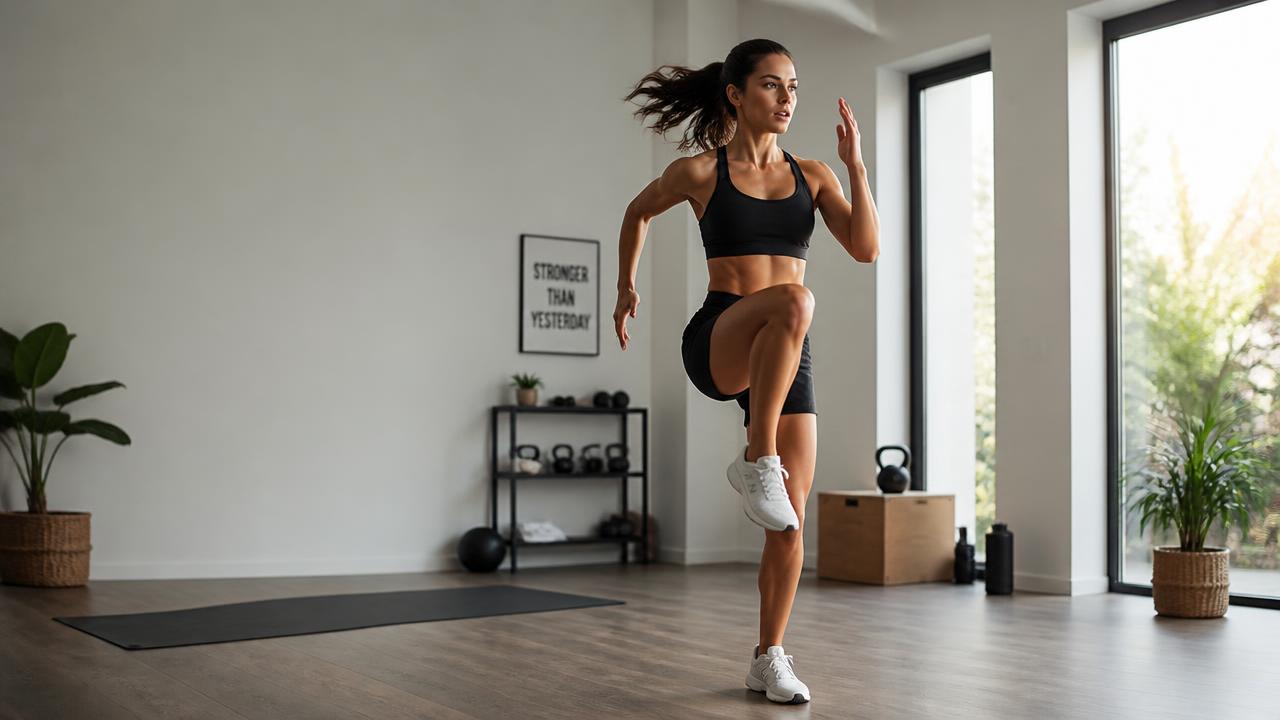
Tabata Songs are specifically designed for the classic Tabata interval format: 20 seconds WORK → 10 seconds REST → 8 rounds → 4 minutes.
The timing is built directly into the music, with audio cues telling you when to GO and when to REST. That means the music isn't just playing during your workout.
The music is your timer.
1. Choose Your Music
There are several ways to listen to Tabata Songs.
Official Tabata Songs Spotify Playlist
Looking for the easiest place to start? Our Official Tabata Songs Playlist on Spotify features a rotating collection of popular and new Tabata Songs, and we update it every week. Pick a song, press play, and start your workout.
Listen on Spotify →Tabata Songs App
Want more? The Tabata Songs App gives you access to our complete music collection, along with early access to new releases and select unreleased songs. It's the best way to explore more Tabata music in one place.
Explore the Tabata Songs App →Other Music Services
You can also find Tabata Songs on major music platforms around the world, including Apple Music, YouTube, YouTube Music, Amazon Music, Spotify, and other streaming services. Search “Tabata Songs” on your favorite platform or visit our Music page to choose where you'd like to listen.
Browse All Music →2. Choose Your Exercises
Next, decide what you're going to do during your eight 20-second work intervals. There are three easy ways to build a Tabata:
One Exercise
Choose one exercise and repeat it for all eight rounds. Example: Squats × 8.
Two Exercises
Alternate between two movements. Example: Squats → Push-Ups → Squats → Push-Ups… You'll complete four rounds of each.
Eight Exercises
Choose a different movement for every round. Example: Jumping Jacks → Squats → Mountain Climbers → Push-Ups → Lunges → High Knees → Sit-Ups → Burpees.
There's no single right way to build your Tabata. Choose exercises and an intensity that fit your workout and fitness level.
3. Press Play and Follow the Music
Now comes the easy part. When you hear GO, start exercising. Work for 20 seconds. When you hear REST, recover for 10 seconds.
The song keeps track of the intervals and rounds for you. After eight rounds, you've completed one four-minute Tabata.
Want a Longer Workout?
Just keep the music going.
| Tabata Songs | Workout Time |
|---|---|
| 1 | 4 minutes |
| 2 | 8 minutes |
| 3 | 12 minutes |
| 4 | 16 minutes |
| 5 | 20 minutes |
You can change exercises with each song to create your own workout. For example: Song 1 — Lower Body, Song 2 — Upper Body, Song 3 — Cardio, Song 4 — Core. Take additional rest between songs whenever you need it.
Don't Want to Build Your Own Workout?
We'll do it for you. Our follow-along Tabata workouts combine Tabata Songs with exercise demonstrations and on-screen instruction. Choose a workout, press play, and follow along.
Browse Tabata Workouts →What Can I Do During a Tabata?
Almost anything. Tabata Songs can be used with:
- Bodyweight exercises
- Strength exercises
- Running
- Cycling
- Rowing
- SkiErg
- Kettlebells
- Cardio machines
- Sports conditioning
- Low-impact exercise
The timing stays the same. You choose the movement and intensity.
Ready to Try Tabata Songs?
You only need three things: choose your music, choose your exercises, press play. We'll take care of the clock.
20 seconds GO. 10 seconds REST. 8 rounds. That's Tabata Songs.